
Understanding AI Hesitancy in Education
Remember those days of endlessly debating vaccines at the dinner table? Whether you were for or against them, the topic was hard to avoid. Now, a similar conversation is happening—but this time, it’s about AI. Many educators find themselves hesitant to adopt artificial intelligence (AI) tools like ChatGPT. Concerns about bias, data privacy, and the unknown are casting a shadow over discussions about AI in the classroom.
However, just as vaccines helped us overcome health fears, personalising AI tools can help break through AI hesitancy. In this post, I’ll explain how customising AI for educators is the key to overcoming these concerns—and it’s easier than you think.
According to our AI in Education AARIA study, educators face several key barriers when it comes to adopting AI in their teaching practice:
- Data Privacy and Algorithmic Bias: 80% of educators are concerned about how AI handles data privacy and whether biases embedded in AI systems could unfairly impact students—especially those from minority groups, like Māori and Pacific communities.
- Lack of Training: 70% of educators feel unprepared due to insufficient AI training and support. This leads to a cycle of avoidance: if they aren’t confident with AI, they don’t use it, which prevents them from seeing its potential.
- Fear of AI Replacing Teachers: Some worry that AI tools could replace teachers, leading to a depersonalised education system.
These concerns are valid, but our study also highlights AI’s potential to transform education. From personalised learning to automated feedback and lesson planning, AI offers enormous benefits—if we can overcome the initial hesitation.
The Benefits of AI Personalisation for Educators
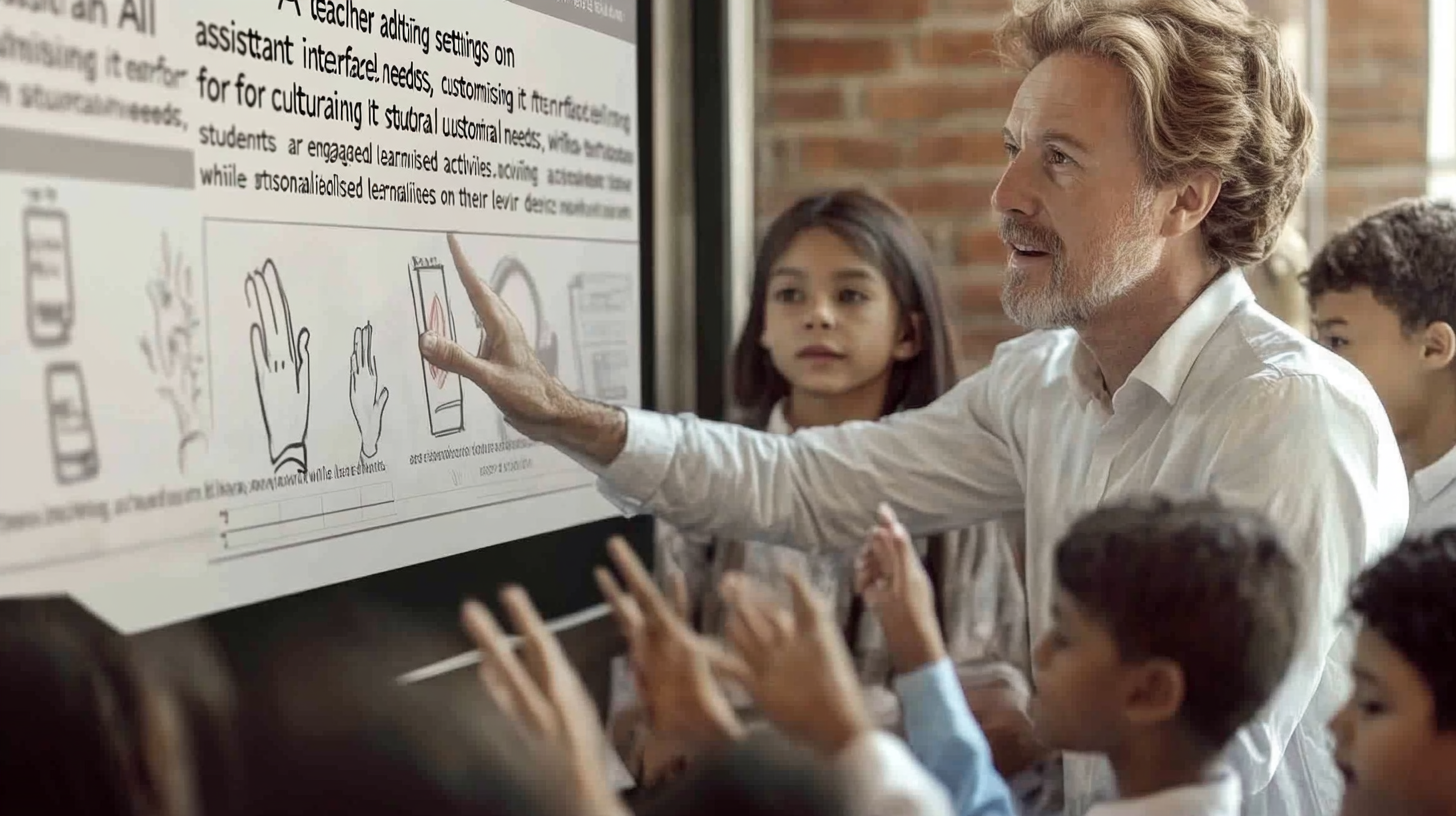
Here’s where the solution comes in: AI personalisation. Just like a vaccine adjusts your immune system, personalising ChatGPT can tailor it to your teaching context, ensuring it works with your values, cultural needs, and teaching style.
In our ongoing AARIA study, we’re experimenting with how ChatGPT can be tailored for educators. By adjusting its settings to reflect the cultural needs of Pacific learners, for example, we’ve seen promising results—personalisation is reducing the sense of bias and making educators more comfortable with AI.
By adjusting ChatGPT’s settings—tone, style, and cultural references—you can create a more culturally sensitive AI assistant that reflects the values of your students. This simple customisation is a powerful step toward overcoming AI hesitancy.

Steps to Personalise ChatGPT for Your Classroom
So, how do you personalise ChatGPT? It’s simpler than you might think. Here’s a step-by-step guide:
- Open ChatGPT: Log in and access the settings menu.
- Adjust your preferences: Tweak the formality, tone, or specificity of ChatGPT’s responses. For instance, set it to be more formal for senior students or more relaxed for younger learners.
- Cultural Adjustments: Download and apply one of the personalisation templates I’ve created (link below) to reflect the needs of your classroom. You can create a Pacific-oriented ChatGPT or a version tailored for Māori learners.
- Test it out: Try a sample prompt relevant to your curriculum and see how the AI responds.
- Iterate and improve: Personalisation is an ongoing process. Don’t be afraid to tweak and adjust as you go along.
Actionable Tip: If you have time tonight, try setting up these personalisation settings. It’ll take just a few minutes, and you’ll feel more confident using AI in your classroom tomorrow.
Addressing Common AI Concerns
Of course, introducing any new technology brings with it some side effects—ethical concerns about over-reliance, privacy issues, and the fear that AI might take over teaching duties. Let’s address these one by one:
- AI as a Support Tool, Not a Replacement: AI won’t replace teachers; it enhances what you already do. Think of ChatGPT as a digital teaching assistant—handling mundane tasks like generating worksheets or providing feedback—so you can focus on creative and relational aspects of teaching.
- Ethical Concerns: By personalising your AI settings, you can build trust in the system. Adjust ChatGPT to reflect your ethical and cultural priorities, reducing bias and ensuring the AI works for you—not the other way around.
- Training and Support: As our research found, educators need ongoing professional development to integrate AI effectively into classrooms. Personalisation is the first step, but continuous learning will ensure AI becomes a reliable and supportive tool in the long run.

Take Action: Personalise Your AI Assistant Today
The future of AI in education is bright, but it begins with a small step today. Start by personalising ChatGPT for your classroom. You don’t need to be an AI expert—you just need a willingness to experiment and adjust.
Ready to enhance your classroom with AI? Personalising ChatGPT takes only a few clicks, and the benefits are immediate.
Customisation Templates: Personalise ChatGPT for Your Classroom
As promised, here are three customisation templates to get you started with personalising ChatGPT for your teaching context. These are designed to fit different worldviews, ensuring that ChatGPT aligns with your educational and cultural needs.
1. Standard Version
This template is perfect for general use in classrooms. It offers a neutral, straightforward tone while being flexible enough to adapt across subjects and age groups.
Tone: Professional but approachable
Style: Clear, concise, and direct
Cultural Sensitivity: Broad, neutral worldview
Sample Prompt Settings:
- “Please explain this concept in a way that’s easy to understand for Year 10 students.”
- “Generate multiple-choice questions for a science lesson on ecosystems.”
- “Provide feedback on this essay, focusing on how the argument can be made stronger.”
2. Pacific Worldview Version
This template brings in elements of Pacific values such as collectivism, respect, and relational learning. It’s ideal for schools and educators working with students from Pacific communities, ensuring that the AI reflects their cultural context.
Tone: Warm, relational, and community-focused
Style: Emphasises collaboration, inclusiveness, and storytelling
Cultural Sensitivity: Draws on Pacific values and respect for elders and community
Sample Prompts To Try:
- “In the Pacific way of learning, storytelling is important. Help me create a talanoa-based lesson on environmental stewardship.”
- “Generate group activities that encourage collaboration and respect within the classroom.”
- “Provide feedback on this assignment, focusing on collective contribution and respect for others’ views.”
3. Māori Worldview Version
This template is grounded in Māori values, incorporating principles like whanaungatanga (relationships), manaakitanga (care), and kaitiakitanga (guardianship). It helps educators create learning experiences that resonate with Māori learners and communities.
Tone: Supportive, respectful, and community-oriented
Style: Incorporates Māori values, language (Te Reo Māori), and holistic approaches
Cultural Sensitivity: Acknowledges and promotes tikanga Māori (Māori customs)
Sample Prompt Settings:
- “Create a lesson plan that weaves in the principles of kaitiakitanga for Year 7 students studying environmental science.”
- “Provide feedback on this assignment, focusing on the student’s connection to their whānau (family) and iwi (tribe).”
- “Help generate class discussion questions that highlight the importance of whanaungatanga and community learning.”
Feel free to download and modify these templates to suit your specific needs. Personalising your AI tool is a great way to ensure it speaks to your teaching style and your students’ cultural contexts.
Concluding Thoughts
AI hesitancy in Education is a normal response to new technology, but with tools like ChatGPT, you can easily overcome it by personalising AI to match your educational goals and cultural needs. This isn’t about replacing teachers—it’s about supporting them with the best tools available.
Download my personalisation templates above and explore how AI can fit your classroom or other education context. You’ll find that taking the first step is easier than you think!

Kia ora! Hey, I’d love to know what you think.